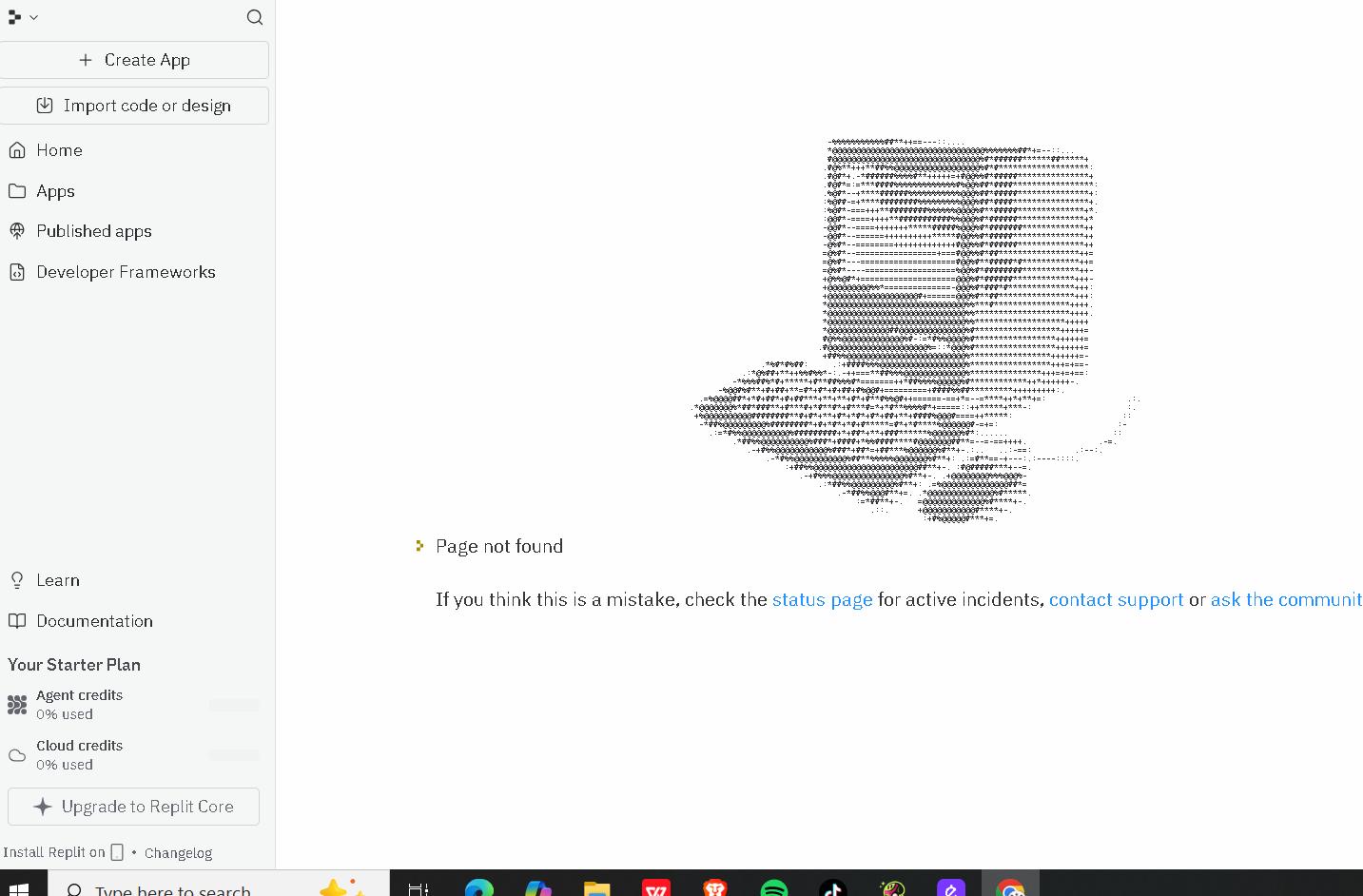
Dashboard shows "Page not found" but my apps still exist (account routing issue)

Hi Replit team,

I’m experiencing a dashboard issue on my account: @hodinhkhanhbk

My Replit dashboard shows “Page not found”, but my apps still exist.

Details:

  • Account username: hodinhkhanhbk
  • I can still see my main project (K.AI) listed under Apps
  • Replit status page shows no active incidents
  • I have tried:
    • Logging out and logging back in
    • Clearing browser cache
    • Incognito / private mode
    • Different browsers
  • The issue persists in all cases

This appears to be an account-level dashboard routing / UI binding issue rather than a project or code problem.

Could a Replit staff member please help check my account (hodinhkhanhbk) and rebind or reset the dashboard UI?

Thank you very much.

4 Likes

It’s the same with me. My app is running but the dashboard says “page not found”. Help please!

3 Likes

same issue here. My app was running fine last night. I just woke up and opened it again, now it says the same thing “Page not Found”

2 Likes

Hi, I’m experiencing this issue as well. I initially thought it was isolated to my account, but it’s somewhat reassuring to see I’m not the only one affected. I’m not part of Replit’s development team, but it seems that a recent fix, or the incident reported on their status page (“Data warehouse connectors have been disabled”) may have contributed to this behavior.

3 Likes

same issue here. very frustrating

2 Likes

same issue

2 Likes

Same here. This is a critical issue.

The same issue here. I’ve even tried to create a fresh app from a backup import, to no avail.

Has anyone from Replit commented on this already?

2 Likes

I have the same problem since yesterday

I can see the project via the Remix option, but when I click Create, the same “Page not found” issue occurs.

This indicates the project exists but cannot be loaded or restored properly.
Please investigate and restore the project data.

Project name: Huda Nour Site
Username: @heba0omar1

Thank you.

3 Likes

I am have it’s problem too. Replit team, please solve the problem as soon as possible :folded_hands:

1 Like

Same Issue, has anyone found a solution to this?

1 Like

Same thing here, but I’m seeing an identified issue in status page:

Data warehouse connectors have been disabled
Some people are experiencing problems with our data warehouse connectors service right now. This means that you cannot reliably set up new Bigquery, Databricks and Snowflake connections. We’re so sorry about that. Please standby for further updates, and we’ll be in touch as soon as we know more.

2 Likes

Any update on your end?
Really 4 weeks of non-stop work… just poof!

Same problem!! It’s very frustrating, unbelievable… 24h! unacceptable even though the account is free! I was initially considering paying for better services, but if this happens, I’ll reconsider! Please Replit check and solve!! :folded_hands: :folded_hands: :folded_hands:

1 Like

This is 3rd day for me and I was just about to upgrade to Core to be able to add a custom domain… regardless if the account is free or not, prompt actions in solving such frustrating issues is what makes a free trial user convert to a paying customer. Why would I pay if I wake up one day and cannot access and edit my project for 3 days!

2 Likes

O meu também está assim, existe alguma resposta do REPLIT?

1 Like

same here, i asked my friend but he said that he didn’t face this problem.

1 Like

@Waifu-Lover any idea if your friend is subscribed to Core? I think everyone here is using the free starter, this is a marketing stunt to get us to upgrade to be able to keep editing.

1 Like

I have the same problem but it´s weird because in this account (company account) i don’t see the code but i can see my code from my personal account.

1 Like

It’s back! It was the “Data warehouse connectors have been disabled” issue, once it was solved, project opened again.